§00 Free Online Video Compressor

Compress Video to Any Size — Free, No Watermark

Reduce video file size online without visible quality loss. Pick a target like 19 MB for Discord or 24 MB for Gmail, and get a clean MP4 back — no install, no watermark.

Drag & drop a video here to get started
Guests: up to 250 MB · Free plan: 1 GB · Paid: up to 10 GB
MP4, MOV, MKV, AVI, WebM, WMV, M4V, 3GP, MPEG and more
Compression preset
Target size:MB
Fit to:

Quality mode targets CRF and does not guarantee an exact MB size. Switch to target size or bitrate for a hard limit.

Only use this for very old devices or playback issues (reduces compression ratio).

Estimated cost:—credits
§01 How It Works

How to compress a video in 3 steps

Compress a large video into a smaller file online — no software to install and no watermark on the result.

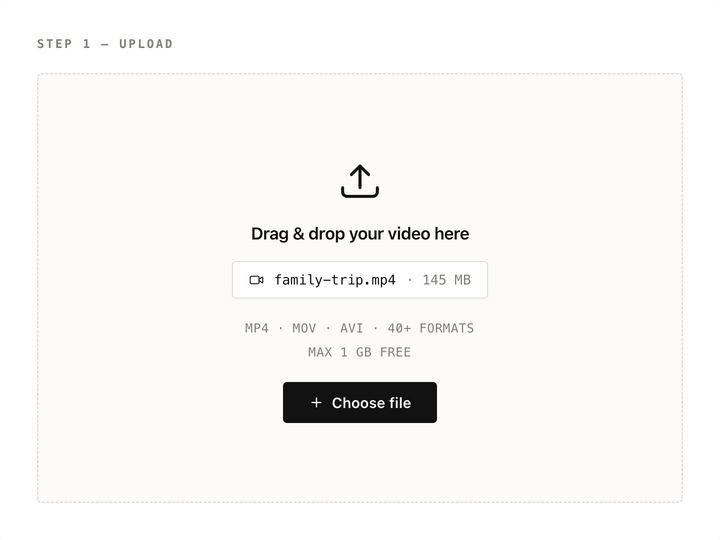
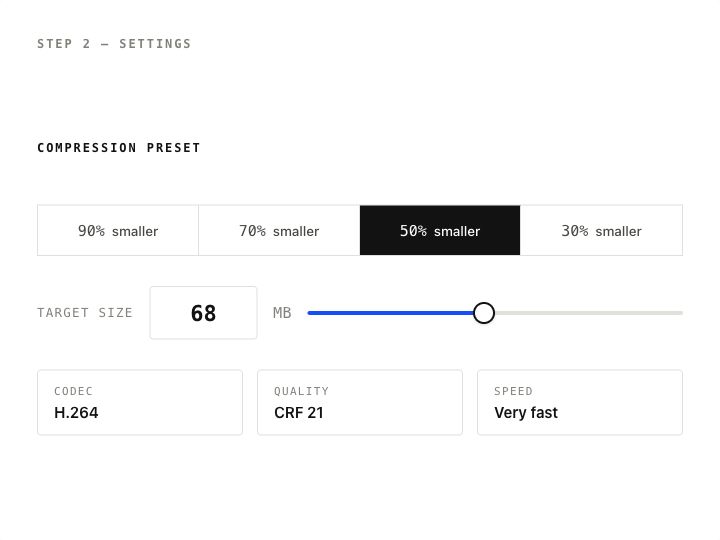
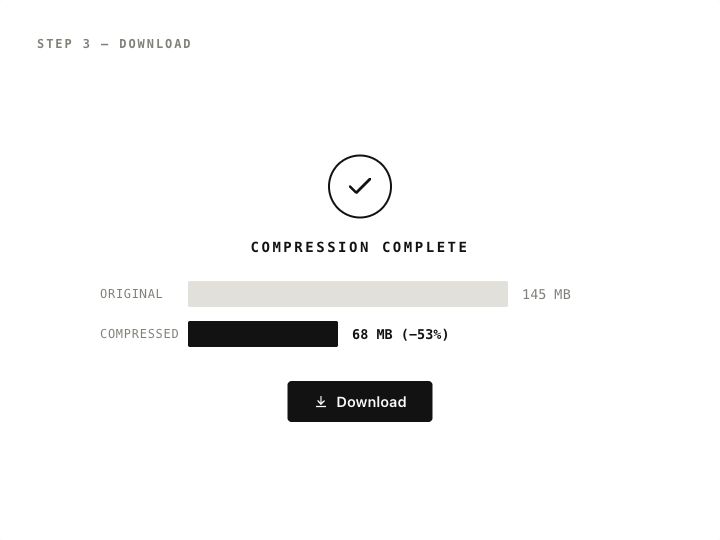
Uploading a video file to the online video compressorChoosing a target file size in MB before compressingDownloading the compressed MP4 video
  1. STEP 1

    Upload your video

    Drag and drop an MP4, MOV, MKV, AVI, WebM or other video file, or pick one from your phone or computer. Free uploads go up to 1 GB.

  2. STEP 2

    Set a target file size

    Pick a preset like “50% smaller”, tap a size such as 20 MB or 25 MB, or type any size in MB. Need more control? Switch to Advanced for codec (H.264/H.265) and quality settings.

  3. STEP 3

    Download the smaller video

    The video is compressed on our cloud servers. Download the result as an MP4 — no watermark — and send it wherever it needs to go.

§02 Size Limits

Video size limits by platform — and what size to aim for

Most “video too large” errors come from a platform’s upload cap. Compress to a target a little under the limit so container overhead never pushes you over.

Where you’re sending itUpload limitCompress to
Discord (free)20 MB19 MB
Discord Nitro Basic50 MB48 MB
Gmail attachment25 MB24 MB
Other email (Outlook, Yahoo, work mail)Often 20–25 MB19 MB to be safe
WhatsApp, Telegram, MessengerLarge files allowed, but chats re-compress videoSmaller file = faster send, your quality settings
Forms, LMS & job portalsUsually set by the site (often 10–100 MB)5% under the stated limit

Discord raised its free upload limit from 10 MB to 20 MB in August 2026 — older guides that say “compress to 8 MB or 10 MB” are out of date. Full breakdown: Discord file size limit. Limits checked October 2026; platforms change them, so check the official help page if you’re right at the edge. Step-by-step: how to compress a video to an exact file size. Discord specifically: compress video for Discord · Discord file size limit.

§03 Features

A free video compressor built around file size

Most compressors make you guess. This one starts from the size you need and works backward.

Compress to an exact file size

Type the size you need in MB — 19 MB for Discord, 24 MB for Gmail — or use a percentage preset. The bitrate is calculated from your video’s length so the result lands close to your target.

Keep quality where it counts

Choose H.264 for maximum compatibility or H.265 for roughly 30–50% smaller files at similar quality. Advanced mode exposes CRF quality, resolution and bitrate controls.

Compress MP4, MOV and large video files

Compress videos up to 1 GB free (10 GB on paid plans) from MP4, MOV, MKV, AVI, WebM, WMV and most other formats. Output is a widely compatible MP4.

No watermark, no install

Everything runs in your browser on iPhone, Android, Windows, Mac or Chromebook. Your compressed video is clean — no logo, no intro, no outro.

Your device stays free

Encoding happens on cloud servers, so a long 4K recording won’t freeze your laptop or drain your phone battery while it compresses.

Private by default

Files are encrypted in transit and deleted automatically after processing. Download links expire after about 24 hours, and we never use your videos for anything else.

§04 Use Cases

Compress video for Discord, email, WhatsApp and more

The situations where “file too large” turns into “sent”.

01 / Discord & email

Compress video for Discord or email

Free Discord uploads stop at 20 MB and Gmail attachments at 25 MB. Set the target to 19 MB or 24 MB, compress, and the clip goes through as a playable video instead of a cloud link or an error message. Need a one-click Discord preset? Open the Discord video compressor.
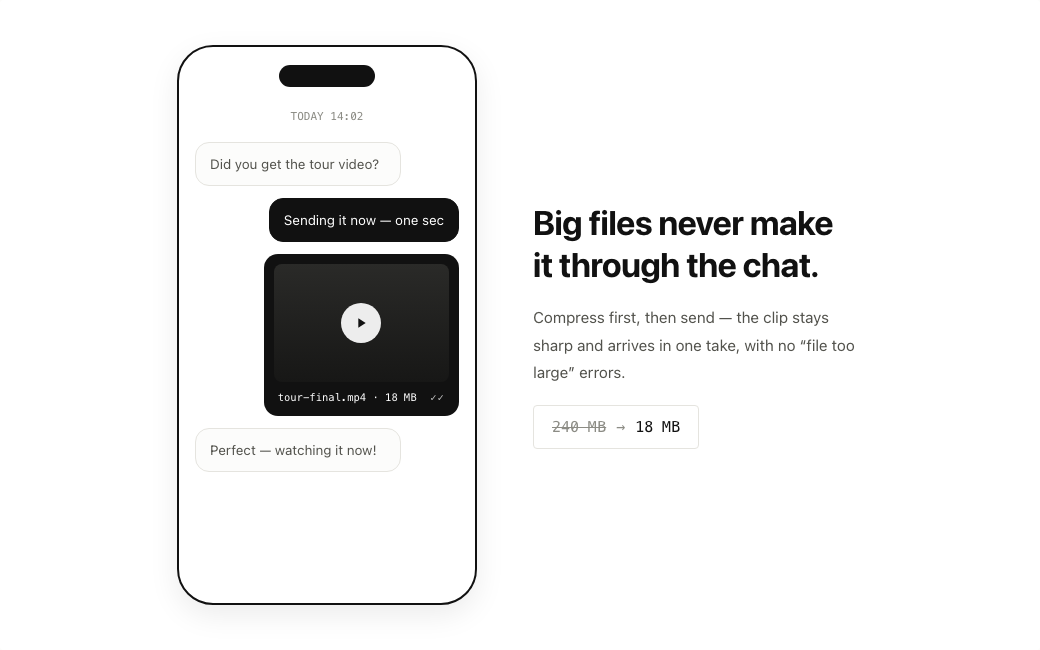
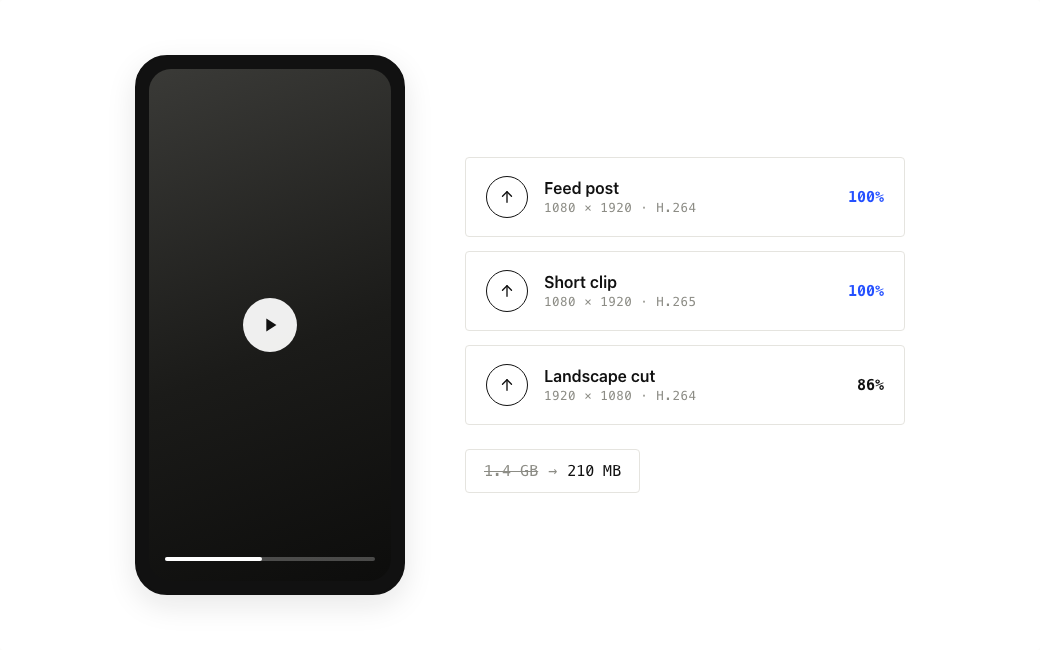
Compressing a video to fit Discord and Gmail attachment limits
02 / Messaging & social

Compress video for WhatsApp, Instagram and TikTok

Messaging apps and social platforms re-compress what you upload, often harshly. Compress it yourself first with sensible settings and the version people see stays sharper — and it sends faster on mobile data.

Compressing a video before sharing on WhatsApp and social media
03 / Recordings

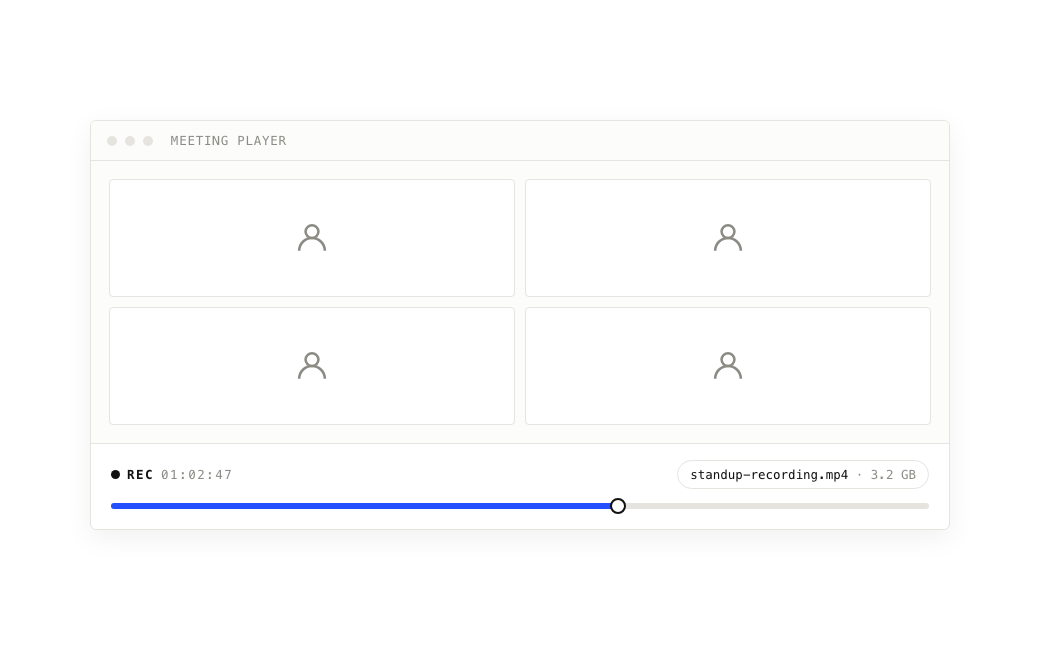
Shrink Zoom, Teams and lecture recordings

An hour of screen recording can run to several gigabytes even though most of the frame never changes. These videos compress extremely well — often to a fraction of their size — so they upload to an LMS or shared drive in minutes.

Compressing a long Zoom meeting recording for sharing
§05 Video Compression 101

How to reduce video file size without losing quality

Video compression makes a file smaller by encoding it more efficiently — mainly by lowering the bitrate (how much data each second of video uses). File size ≈ bitrate × duration, so a 60-second clip that needs to fit 19 MB can use about 2.5 Mbps in total. A few rules keep the picture looking good:

Lower bitrate before resolution

Modern encoders keep 1080p looking clean at surprisingly low bitrates. Only drop to 720p when the target size is very small for the video’s length.

Use H.265 for 1080p and 4K

H.265 (HEVC) needs roughly 30–50% less data than H.264 for similar quality. Pick H.264 when the video must play on older devices or every browser.

Stay in the CRF 18–23 range

In quality mode, lower CRF means better quality. 21 is a good default; go above 28 only when size matters far more than detail.

Leave a little headroom

Aim about 5% below a hard limit. Audio and the MP4 container add a small overhead on top of the video stream.

Go deeper: how to compress a video (full guide), bitrate, resolution and codecs explained, compress on iPhone, compress MOV, or browse all video compression guides.

§06 Who It’s For

Made for everyday video sharing

No editing timeline, no codec homework — just the right file size.

Gamers & Discord communities

Clip a highlight, compress it under the server’s upload cap and post it as a playable video.

Teachers & students

Fit lecture recordings and assignment videos under LMS and form upload limits.

Freelancers & videographers

Send client previews by email without a separate file-transfer service.

Remote teams

Shrink meeting and demo recordings before they fill up the shared drive.

§07 FAQ

Video compression FAQ

Straight answers to the questions people ask most before compressing a video.

How do I compress a video file?

Upload the video, choose a preset like “50% smaller” or type a target size in MB, then click Compress now. The file is processed in the cloud and you download a smaller MP4 — no software to install.

Is this video compressor really free?

Yes for light use. Guests can try one video a day without an account (files up to 250 MB). Signing in with Google adds 50 free credits every month. A short 1080p clip often costs about 1 credit per 5 minutes. Free compressions have no watermark. The exact credit cost is always shown before you start.

How do I compress a video for Discord?

Free Discord accounts can upload files up to 20 MB (Nitro Basic: 50 MB). Set the target size to about 19 MB and compress — or use the Discord video compressor page with one-click presets. If the video is long, H.265 or a lower resolution will keep it sharper at that size.

How do I compress a video to send by email?

Gmail allows attachments up to 25 MB and many other providers allow around 20 MB. Compress to 19–24 MB and attach the MP4 directly. Larger files are usually turned into a cloud-drive link instead of an attachment.

Will compressing a video reduce its quality?

Some detail is always traded for size, but moderate compression is hard to notice on phones and laptops. Problems show up when a long, high-resolution video is forced into a very small file — in that case use H.265 or reduce the resolution rather than starving the bitrate.

Why isn’t my compressed file exactly the target size?

The target is converted to a bitrate based on the video’s length, and encoders vary slightly from scene to scene. Results usually land close to the target; leave about 5% headroom when a hard limit applies.

What is the maximum file size I can upload?

Up to 1 GB on the free plan and up to 10 GB on paid plans. Guests without an account can compress files up to 250 MB, once per day.

Can I compress videos on iPhone or Android?

Yes. Open this page in Safari or Chrome, choose a video from your photo library or files, and download the compressed MP4 when it’s done. There’s no app to install.

Are my videos private?

Uploads are encrypted in transit, processed only to create your compressed file, and deleted automatically afterwards. Download links expire after about 24 hours.

Should I choose H.264 or H.265?

H.264 plays everywhere, including older devices and all browsers. H.265 makes noticeably smaller files at similar quality, which helps most with 1080p and 4K videos.

Make your video small enough to send

Compress MP4, MOV and other videos to the exact size you need — free to start, no watermark, nothing to install.